Small Business Resources
Truckee Jobs Collective: Connecting Truckee-Tahoe Employers and Job Seekers

Matthew Johnson
Founder

One of the most common questions we hear before a website project wraps up is simple and totally valid: What happens when you’re done?
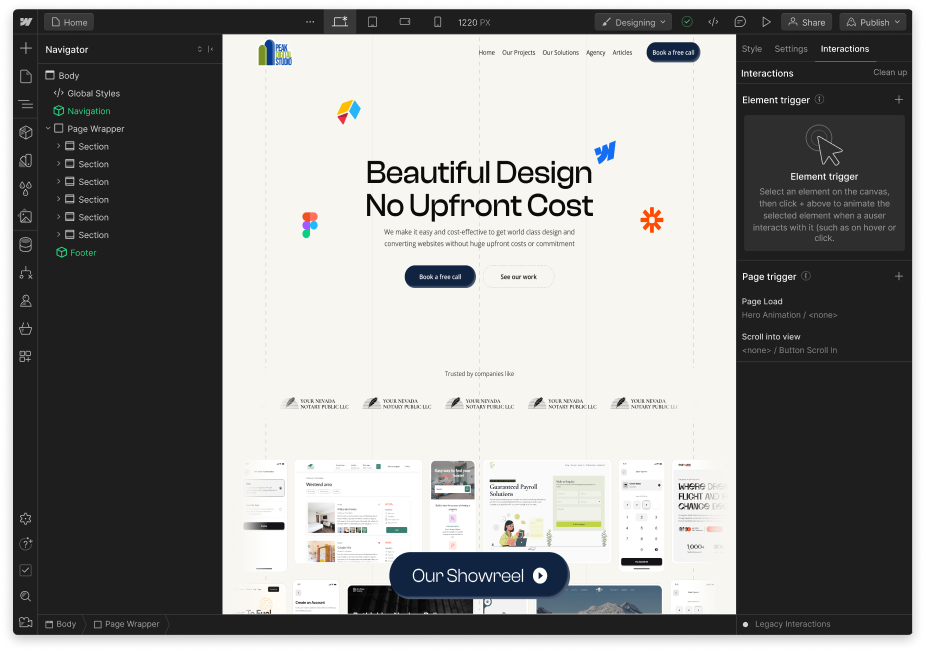
We design websites in Webflow with that exact moment in mind. We’re always thinking about the day your site goes live and when you’re the one in the driver’s seat. There are a lot of goals in a website build, but one of the biggest ones is to leave our clients with a website they can manage on their own. (But yes, we’re still with you for the long haul and for any questions that may come up along the way!)
While you can certainly manage it yourself, if you have ongoing website needs and want to take that headache off your plate (for example: adding new content, building new pages, adding new features, setting up integrations, and more), then our Peak Digital team can do all that for you. We also have maintenance and improvement plans available to all our clients, for ongoing support. It’s like having a web master in your back pocket!
Here’s why we love using Webflow for our clients and how the website is managed after it’s built.
Isn’t this great news? Managing a Webflow website means updates happen directly on the page and in context. Maybe you just want to tweak homepage copy, update a program description, swap out a photo, or adjust a headline. The interface allows you to edit the content you see on the screen, rather than hunting through layers of menus or backend settings. This alone removes a lot of the anxiety people associate with managing a website.
Also, you don’t need to know any code when you’re working in Webflow. When you do your small edits, the website structure stays intact, while the content remains flexible.
For things like blog posts, resources, team members, events, or case studies, Webflow uses a built-in content management system that keeps everything clean and consistent.
Instead of manually designing each new page from scratch, you’re filling in fields, like title, text, images, and links, and Webflow handles the layout automatically. That means your site keeps its design integrity, even as new content gets added over time. For clients who publish regularly, this is a lifesaver.
One of the biggest differences clients notice after moving to Webflow is how quickly small updates become.
Changing a call-to-action, updating hours, and adjusting messaging for a seasonal campaign can now be handled on your own. There’s no need to submit a ticket or wait for a simple tweak.
Because Webflow is stable and secure at the platform level, you’re not juggling plugin updates or worrying that a small change will cause something else to break.
Even though Webflow gives you a lot of freedom, it’s not a free-for-all.
We design sites with clear structure and intentional guardrails, so you can confidently update content without accidentally unraveling the design. Layouts, styles, and interactions are protected. Your brand stays consistent, and your site stays polished.
We promise that when your site launches, we won’t just send you a login and wish you luck!
We’ll walk you through how your specific site works, how to make updates, and how to use the CMS in a way that makes sense for your team. And just as important, we stay available after launch.
Some clients manage everything themselves and loop us in occasionally. Others prefer ongoing support or periodic check-ins. Either way, Peak Digital Studio is always here to help, whether that’s answering a quick question, making a design adjustment, or collaborating on what’s next. Ready to get started on creating a new, beautiful, user-friendly website? Let’s chat!